


Migrating to Kill Bill
Last updated: October 2026
How do you migrate to Kill Bill?
- Approach
- Gradual, account by account, on a live system
- Downtime
- None planned: both systems run during the move
- What moves
- Accounts and their active subscriptions
- What stays
- Past invoices and payments, in the old system
- Order
- New accounts first, then existing accounts in batches
- Guide
- Migrating to Kill Bill, on docs.killbill.io
Move Accounts, Not the Whole System
Based on the architecture in the Kill Bill migration guide.
Five Phases, No Big Bang
Set up Kill Bill
Build a catalog that matches your current plans, then configure invoice templates, the payment plugin, overdue rules and analytics.
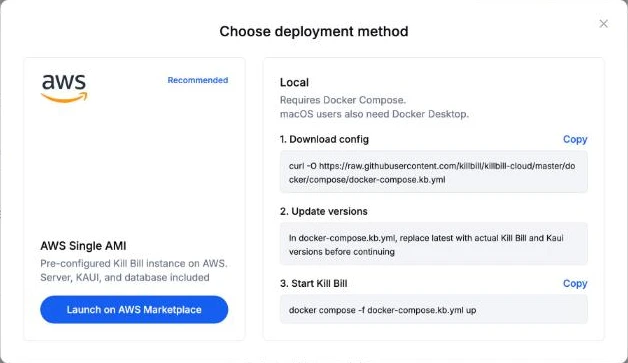
 Docker
 Kubernetes
 Tomcat
 PostgreSQL
 MySQL
MySQL MariaDB
Run both systems
Send new-account requests to both systems, compare the results and explain every difference.
 Kill BillResult
Switch new accounts
From a cut-over date, new accounts go only to Kill Bill. Existing accounts stay on the old system for now.
Key date: one cut-over date for all new accountsMigrate existing accounts
Move accounts in batches, each on its own date, chosen close to its next billing date.
Key date: one cut-over date per accountMIGRATEDSUBSCRIPTIONS_MIGRATEDACCOUNT_MIGRATEDWaiting for dunning
Retire the old system
Once every account has moved or closed, keep the old system for reference, then switch it off.
What Moves and What Stays
Moves to Kill Bill
- ✓Accounts, with the old account ID kept in a custom field
- ✓Active subscriptions, in their current state
- ✓The original subscription start date, for support
- ✓Pending plan changes and cancellations, replayed through the API
Stays in the old system
- –Past invoices and payments: they cannot be replayed
- –Cancelled subscriptions
- –Past upgrades and downgrades
- –Accounts with an unpaid balance, until they pay or are written off
No Gap in Service, No Double Billing
Illustration. The next billing date is the date the current system has already charged up to.
Two Calls That Do Most of the Work
# 1. Keep the old account ID on the Kill Bill account
POST /1.0/kb/accounts/{accountId}/customFields
[ { "name": "legacy_account_id", "value": "ACC-10231" } ]
# 2. Recreate the subscription: service from the original
# start date, billing from the next billing date
POST /1.0/kb/subscriptions
?entitlementDate=2024-03-14
&billingDate=2026-11-01
{ "accountId": "{accountId}", "planName": "starter-monthly" }Request bodies shortened. Full parameters are in the API reference.
Six Steps, Safe to Resume
INITACCOUNT_MIGRATEDAUTO_INVOICING_OFFSUBSCRIPTIONS_MIGRATEDOLD_SUBSCRIPTIONS_CANCELLEDMIGRATED| account_key | migration_state | cut_over_date | last_error_msg |
|---|---|---|---|
| ACC-10231 | MIGRATED | 2026-11-01 | · |
| ACC-10232 | OLD_SUBSCRIPTIONS_CANCELLED | 2026-11-01 | · |
| ACC-10233 | SUBSCRIPTIONS_MIGRATED | 2026-11-08 | · |
| ACC-10234 | ACCOUNT_MIGRATED | 2026-11-08 | Timeout, retry |
| ACC-10235 | INIT | 2026-11-15 | · |
Illustration, with the columns the migration guide suggests. A failed step is retried from the state the account reached.
Keep Your Gateway and Tax Engine
 Stripe
 BraintreeYour own plugin

 Kintsugi
 Aviate Tax
 JavaDockerKubernetesPostgreSQLMySQLMariaDB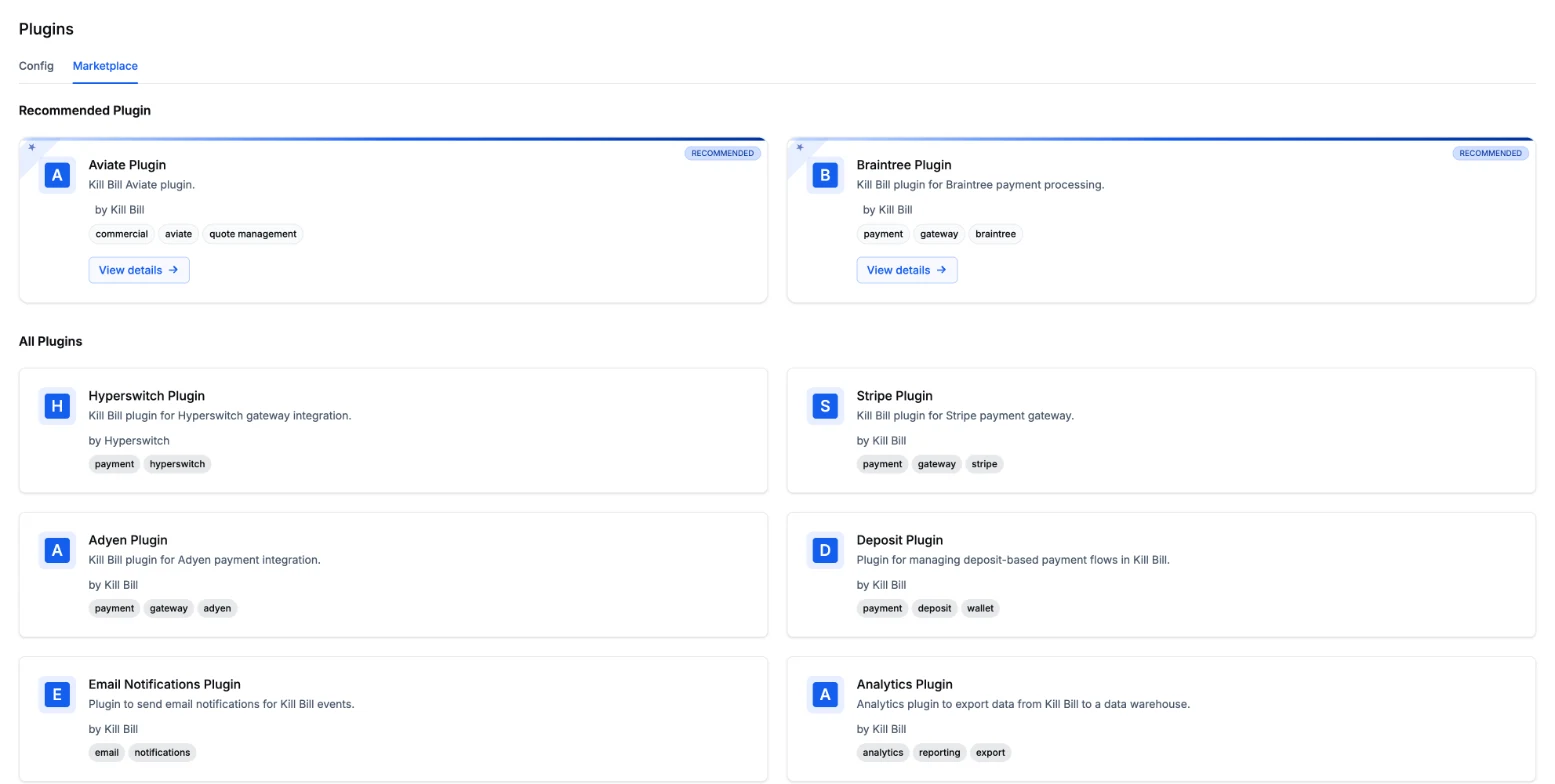
Migrate With the Open Source, or With the Team
With Kill Bill open source
- ✓The migration guide on docs.killbill.io
- ✓The REST API and client libraries
- ✓Kaui to check accounts, subscriptions and invoices
- ✓Community help on the mailing list, no SLA
With Aviate
- ✓Everything in Kill Bill open source
- ✓An onboarding checklist and a catalog editor
- ✓Health to watch queues and failed events during batches
- ✓Level 3 support from the engineers, on a dedicated Slack channel
Five Things to Plan For
Frequently Asked Questions