


 Braintree
Payment integration
Kill Bill and Braintree
Run subscriptions and invoices in Kill Bill, and collect payments through Braintree: cards with or without 3D Secure, PayPal and ACH. The plugin is open source and maintained by the Kill Bill team.
Last updated: October 2026
Short answer
Does Kill Bill work with Braintree?
Yes. The Braintree plugin connects Kill Bill to Braintree as a payment gateway. Customers enter their payment details in Braintree's Drop-in UI, Kill Bill keeps a reference to the payment method, then invoices the account and charges it through Braintree on each billing date. Failed payments follow Kill Bill's retry and overdue rules.
- Plugin
- Open source, Apache 2.0
- Maintained by
- The Kill Bill team
- Payment methods
- Cards (with or without 3D Secure), PayPal, ACH
- Operations
- Authorize, capture, purchase, void, refund, credit
- Configuration
- Per tenant: environment, merchant ID, public and private keys
- Install from
- Aviate, Kaui or kpm
How it works
From Drop-in to Recurring Charges
- 1Client tokenYour checkout asks the plugin for a Braintree client token.
- 2Drop-in UIThe customer enters a card, PayPal or bank details in Braintree's Drop-in UI. Braintree returns a nonce.
- 3Payment methodKill Bill creates the payment method from the nonce and stores a reference to it.
- 4Invoice and chargeOn each billing date, Kill Bill invoices the account and charges the default payment method through Braintree.
- 5Retries and refundsFailed payments follow your retry schedule. Refunds and adjustments are made from Kaui or the API.
Who does what
Braintree Processes, Kill Bill Bills
Braintree handles payment details and processing. Kill Bill decides what to charge and when, and keeps the billing records.
| Task | Braintree | Kill Bill | Aviate |
|---|---|---|---|
| Payment details capture | Braintree Drop-in UI | · | · |
| Card and PayPal vault | Braintree | · | · |
| Payment processing, 3D Secure | Braintree | · | · |
| Plans, subscriptions, proration | · | Kill Bill | · |
| Invoices, credits, tax lines | · | Kill Bill | · |
| When to charge, retries, overdue | · | Kill Bill | · |
| Refunds from an admin UI | · | Kaui | · |
| Install and configure the plugin from a UI | · | Kaui | Aviate |
Setup demo
Install and Configure the Plugin
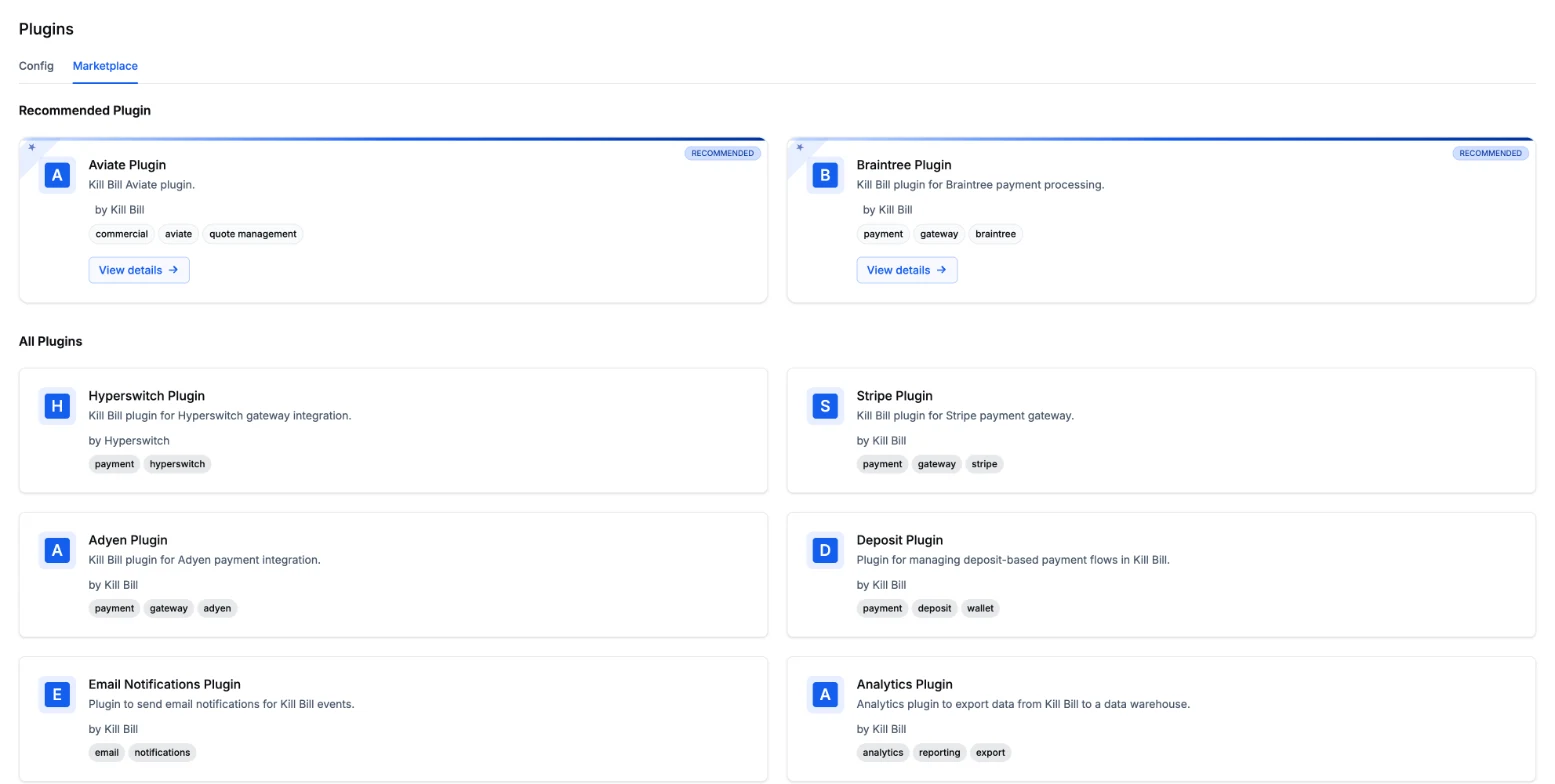
A click-through demo of installing the Braintree plugin and entering the credentials for a tenant.
If the demo does not load, open it in a new tab.


FAQs
Frequently Asked Questions
Does Kill Bill integrate with Braintree?
Yes. The open source Braintree plugin, maintained by the Kill Bill team under the Apache 2.0 license, connects Kill Bill to Braintree as a payment gateway. Kill Bill runs subscriptions and invoices, and charges them through Braintree.
Which payment methods does the Braintree plugin support?
Credit cards, with or without 3D Secure, PayPal and ACH, as listed in the plugin documentation. Most differences between these methods are handled on the client side by Braintree.
Do card details go through Kill Bill?
No. The customer enters payment details in the Braintree Drop-in UI, which returns a one-time nonce. The plugin uses the nonce to create the payment method, so Kill Bill stores a reference, not the card number.
Which payment operations are supported?
Authorize, capture, purchase, void, refund and credit. Credit transactions are disabled by default on Braintree accounts and need Braintree's approval.
Can we keep our existing Braintree customers?
Yes. Set the Braintree customer ID in a custom field on the Kill Bill account, then refresh the account's payment methods. Kill Bill picks up the payment methods already stored in Braintree.
How do I install the Braintree plugin?
From the Aviate interface, from Kaui, the open source admin UI, or with the kpm command line tool. Then upload your Braintree environment, merchant ID, public key and private key for each tenant.
Does the Braintree plugin cost anything?
The plugin is open source and free. You need your own Braintree account, and Braintree's processing fees apply as agreed with Braintree.